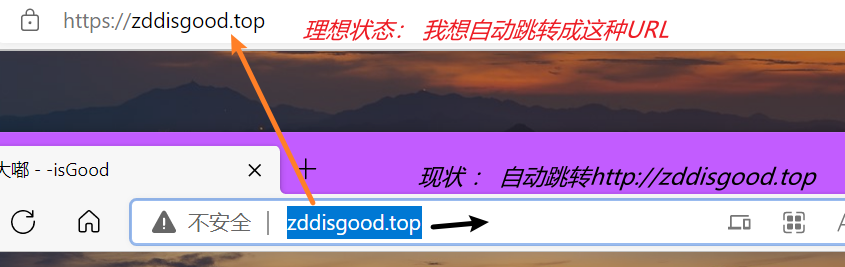
最终目的 输入zddisgood.top会自动跳转到https://zddisgood.top
SSL协议介绍 SSL协议是安全套接字协议,我理解http+ssl就是https。更加安全更加保密等等。
Nginx配置ssl指令 参考官网Module ngx_http_ssl_module (nginx.org) 的说明ssl命令可写在server块和http块里面。如下表
语法
ssl on | off
默认值
ssl off
位置
http\ server
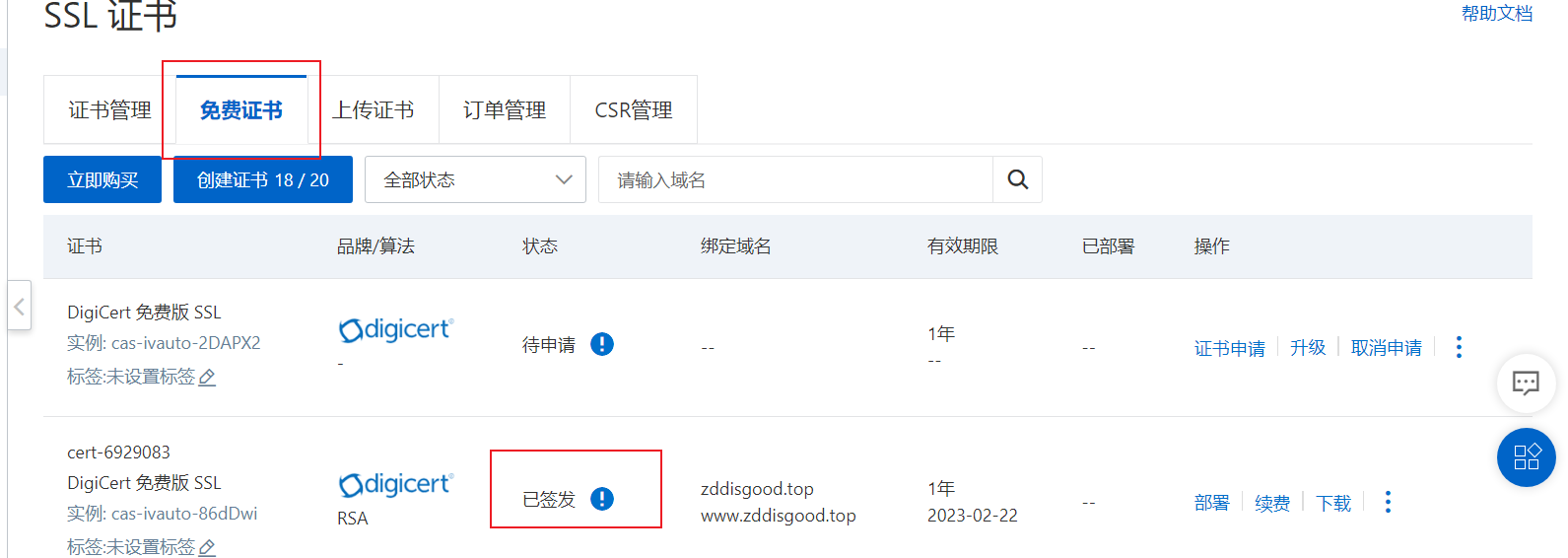
ssl证书生成 我是用阿里云的ssl证书。准备之前需要自己先注册域名。点击【SSL证书】—->【证书申请】,一开始每人会有20个免费证书。但是证书是有状态滴。必须是已签发状态。
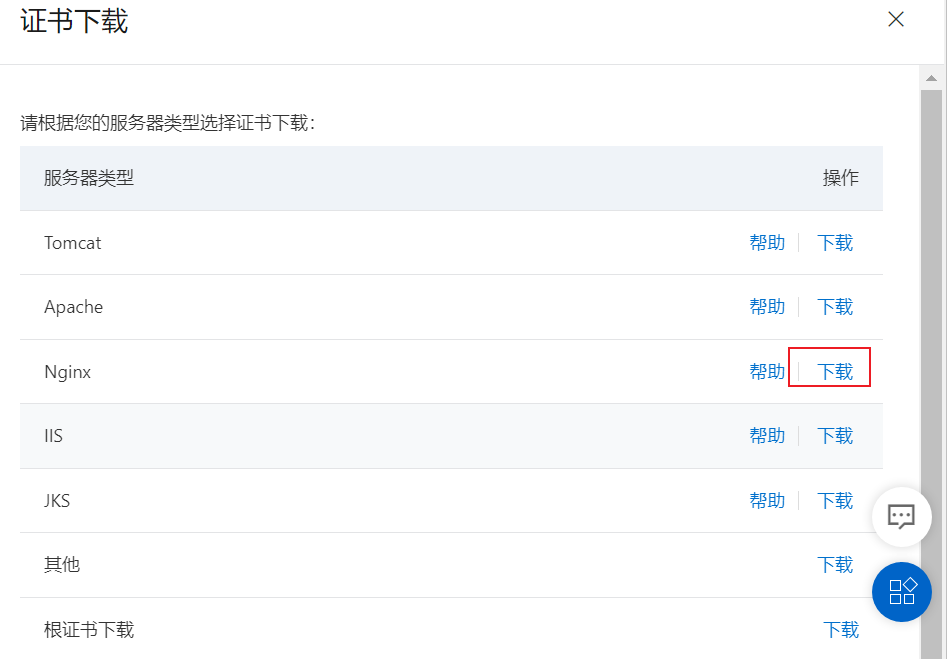
解压证书文件,用fxtp传输到自己的虚拟机某个路径下。我路径是/usr/local/nginx/conf/cert/。
nginx.conf配置 把HTTPS server的配置解开注释
1
2
3
4
5
6
7
8
9
10
11
12
13
14
15
16
17
# HTTPS server server { listen 443 ssl; server_name www.zddisgood.top; #需要将yourdomain替换成证书绑定的域名。 ssl_certificate /usr/local/nginx/conf/cert/7282808_zddisgood.top.pem; ssl_certificate_key /usr/local/nginx/conf/cert/7282808_zddisgood.top.key; ssl_session_timeout 5m; ssl_ciphers ECDHE-RSA-AES128-GCM-SHA256:ECDHE:ECDH:AES:HIGH:!NULL:!aNULL:!MD5:!ADH:!RC4; #表示使用的加密套件的类型。 ssl_protocols TLSv1.1 TLSv1.2 TLSv1.3; #表示使用的TLS协议的类型。 ssl_prefer_server_ciphers on; location / { root /home/www/website; #Web网站程序存放目录。 index index.html index.htm; } }
并开放防火墙443端口重启
1
2
3
firewall-cmd --zone=public --add-port=443/tcp --permanent systemctl stop firewalld systemctl start firewalld
并重启nginx
1
2
3
4
(iZbp1801okrz74913rnwj5Z)/usr/local/nginx/sbin>./nginx -t nginx: the configuration file /usr/local/nginx/conf/nginx.conf syntax is ok nginx: configuration file /usr/local/nginx/conf/nginx.conf test is successful (iZbp1801okrz74913rnwj5Z)/usr/local/nginx/sbin>./nginx -s reload
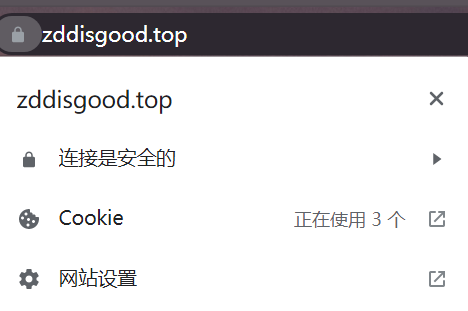
此时浏览器输入https://zddisgood.top可以访问成功;输入zddisgood.top也能访问成功【但是会显示不安全标记,不符合我的最终目的】如图。
所以要用rewrite命令重定向请求。
1
2
3
4
5
6
7
8
9
10
11
12
13
14
server { listen 80; server_name zddisgood.top; location / { #root /home/www/website; oldCode #index index.html index.htm; oldCode rewrite ^(.*)$ https://zddisgood.top$1; #newCode } error_page 500 502 503 504 /50x.html; location = /50x.html { root /home/www/website; } }
经过上述配置大功告成。
flat 样式
no-icon 样式